

Tech neck stretches for desk workers (5-Minute Reset)
If you sit at a desk in Fishers, IN, the fastest way to feel better is usually a short reset routine plus a few desk posture fixes that keep tension from rebuilding. This page gives you a simple 5-minute program you can repeat 1–3 times a day, plus clear signs that it’s time to get checked.
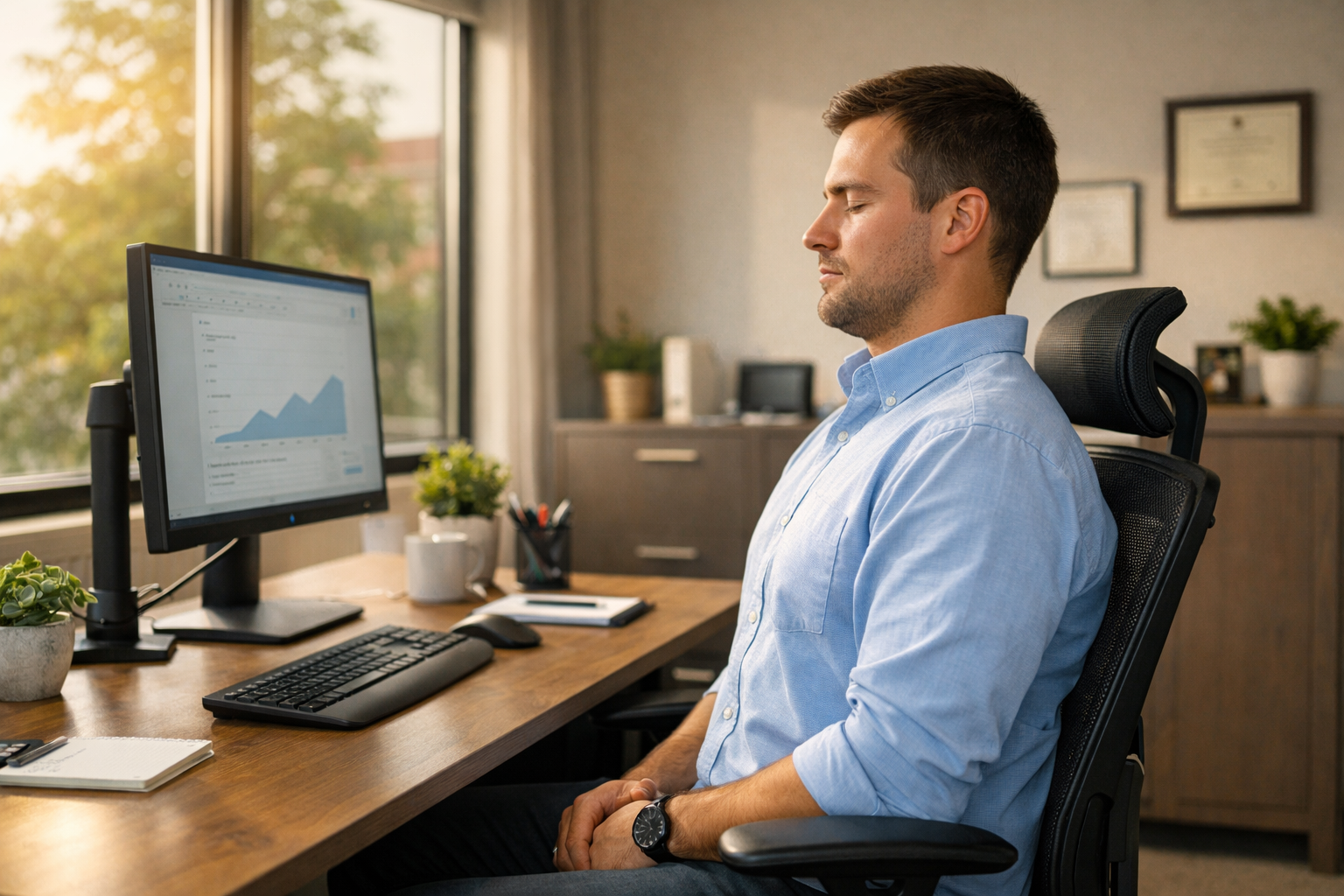 Answer Box (copy/paste quick answer)
A realistic “fast relief” plan is: calm irritation first, then restore easy motion, then support your upper back so your neck stops doing all the work.
Do this today (about 5–7 minutes, 1–3 rounds):
-
✅ 5 slow breaths while you “stack” ribs over pelvis (stop shrugging)
-
✅ 5 chin tucks (gentle, no forcing)
-
✅ 30–45 seconds doorway chest opener
-
✅ 30–45 seconds neck and shoulder stretch (easy tilt + turn)
-
✅ 6–8 shoulder blade squeezes (low, not up by your ears)
If symptoms spread into the arm, worsen quickly, or you feel dizzy with neck movement, skip stretching and get evaluated.
What to do today (fast, safe, realistic)
Do today (5–10 minutes total):
-
Pick your “calm down” tool: heat if you feel stiff and tight; ice if it feels hot, sharp, or angry.
-
Do the 5-minute reset below once.
-
Fix one desk posture issue (screen, chair, or keyboard).
-
Take one short walk (5 minutes) to unload your neck and shoulders.
❌ Avoid today: long painful holds, aggressive self-cracking, and repeatedly testing the exact position that triggers symptoms.
⚠️ Get checked sooner if you have new weakness, severe symptoms after a fall/accident, fever with severe neck pain, or numbness/tingling that travels into the arm or hand.
Start here if you want local guidance (hub + location + schedule)
If you want a local plan that matches your symptoms and your work setup, these pages help you start in the right place:
Hub pages for care:
Posture + ergonomics support:
Ready to talk with a chiropractor? Schedule appointment
Why desk posture turns into “tech neck” symptoms
Most desk-related neck pain is not a mystery. It’s usually a load problem.
When your head drifts forward (forward head posture), your neck extensors, upper traps, and the small joints at the base of your skull work overtime to keep your eyes level. A well-known biomechanics paper found that as the head tilts forward, the force on the cervical spine rises sharply (for example, around 27 lb at 15°, 40 lb at 30°, 49 lb at 45°, and about 60 lb at 60°).
That does not mean “your head weighs 60 pounds.” It means your neck experiences much higher effective load when your posture stays flexed for long periods.
Also, posture is not the only cause of neck pain, but in adults it often correlates with symptoms. A systematic review found that adults with neck pain tend to show increased forward head posture compared with people without neck pain.
So the practical win is not hunting for one magic stretch. It’s:
-
reducing the load (better desk posture)
-
restoring easy motion (short reset routine)
-
building support (upper-back + shoulder blade control)
The 5-minute reset routine (repeat 1–3 rounds)
Use this as a “between meetings” program. Everything should feel like 3–4/10 effort, not 9/10 intensity.
Quick Reference Table: 5-Minute Reset
| Minute | Move | What you should feel | Key cue |
|---|---|---|---|
| 0:00–1:00 | Breathing + “stack” | ribs down, shoulders soften | exhale long, jaw unclench |
| 1:00–2:00 | Chin tuck reps | deep front-of-neck work, not pain | glide back, keep eyes level |
| 2:00–3:00 | Doorway chest opener | chest/pec stretch, less shoulder rounding | keep ribs quiet |
| 3:00–4:00 | Upper neck release (gentle) | easier head turning | tiny range, slow |
| 4:00–5:00 | Shoulder blade set | mid-back engagement | blades down and back |
(Table is a general guide and should not replace medical evaluation.)
 How to do each move (with simple form fixes)
 How to do each move (with simple form fixes)
1) Breathing + “stack” (60 seconds)
Sit tall on your sit bones. Put one hand on your lower ribs. Inhale through your nose, then exhale slowly like you’re fogging a mirror, but with lips gently closed.
Your goal: stop living in a shrug.
Practical tip: on each exhale, imagine your shoulder blades sliding down your back one centimeter. If your neck immediately relaxes, you found your “reset lever.”
When this is the best option: if your neck feels tight from stress, deadlines, or you catch yourself clenching your jaw.
2) Chin tuck reps (about 5 reps)
This is not a big motion. Think “make a double chin” without tipping your head down.
How:
-
Start neutral, eyes forward.
-
Glide your head straight back (like it’s on rails).
-
Hold 2 seconds, relax.
-
Repeat 5 times.
What you should feel: mild effort in the deep front of the neck. If you feel pinching in the back of the neck, you’re likely jamming into extension. Make the movement smaller.
Why it works: it counters forward head posture and gives your upper neck joints a break from constant extension.
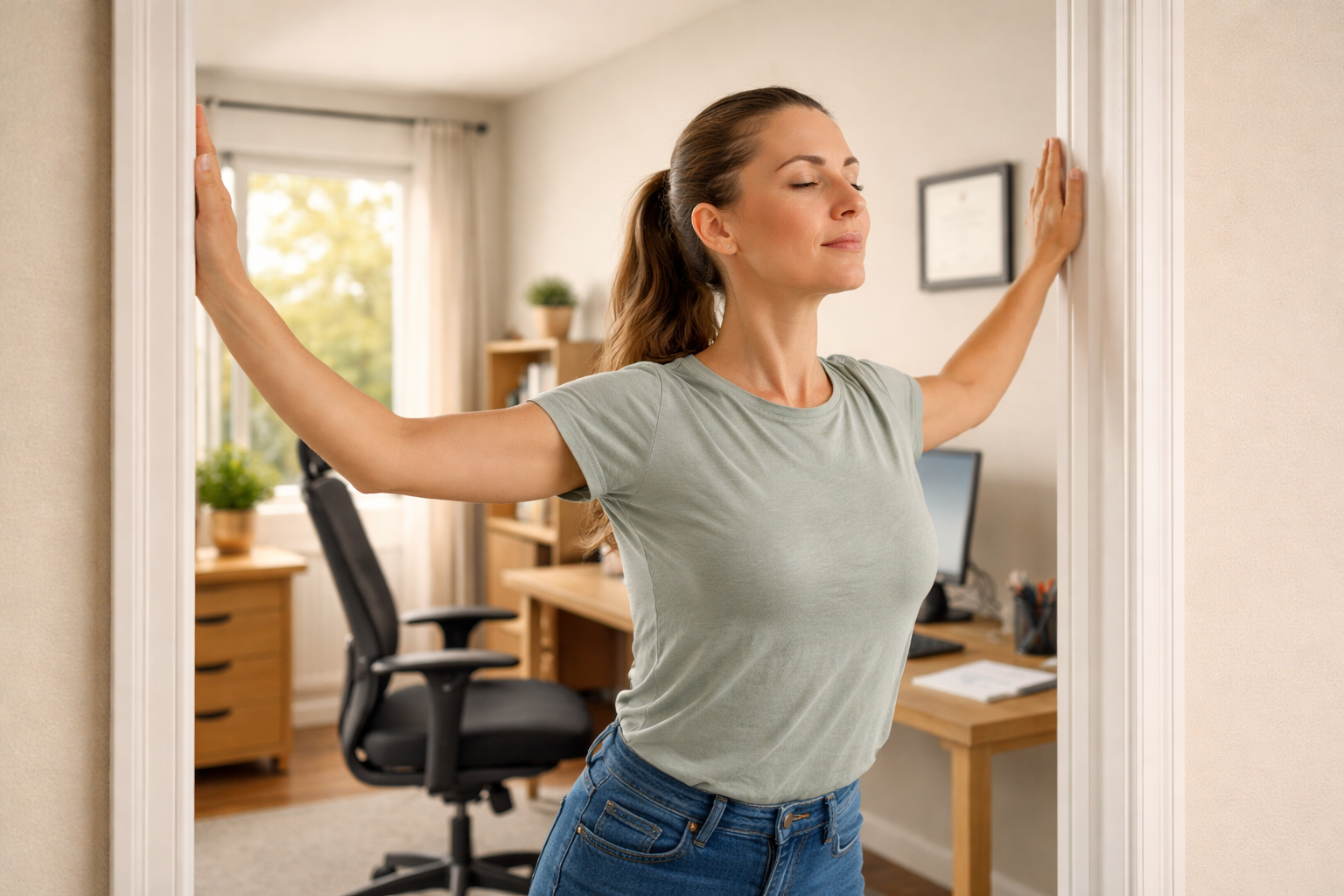
3) Doorway chest opener (30–45 seconds)
Stand in a doorway with forearms on the frame. Step one foot forward and gently lean until you feel a stretch across the chest, not pain in the front shoulder.
Keep your ribs from flaring. If you flare your ribs, your body steals the stretch by arching your low back, and your neck often tightens again.
How to make it more desk-specific: do 10 seconds, step back, shake arms out, then do another 20–30 seconds. That “reset and re-enter” approach usually feels better than one long hold.
4) Gentle upper neck release (30–45 seconds)
This is the “tiny range” move.
Try this:
-
Sit tall.
-
Turn your head slightly to the right (just a little).
-
Nod “yes” in a very small range, 5 slow reps.
-
Switch sides.
If turning is very limited, keep the turn smaller. The goal is to make motion feel safer, not to “stretch harder.”
Which option is best: use this when your main complaint is stiffness with rotation (checking blind spots, looking at a second monitor).
5) Shoulder blade set (6–8 reps)
This is the move that helps your stretches last.
How:
-
Arms by your side.
-
Gently pull shoulder blades back and down (not up).
-
Hold 2 seconds, relax.
-
Repeat 6–8 times.
Common mistake: people squeeze too hard and shrug. If your neck turns on, reduce effort and think “heavy shoulders.”
Desk posture fixes that make your reset routine last
If you do a reset but return to the same desk posture that created the overload, symptoms usually come back within hours.
Quick Reference Table: Desk Setup That Helps Your Neck
| Setup piece | Quick target | Fast fix you can do today |
|---|---|---|
| Screen height | top third of screen near eye level | raise laptop with 2–3 books + use external keyboard |
| Keyboard/mouse | elbows close, shoulders relaxed | bring inputs closer so you stop reaching |
| Chair support | hips slightly higher than knees | small towel roll at low back, feet flat |
| Micro-breaks | 30–60 seconds every 30–45 minutes | stand, 5 breaths, 5 chin tucks |
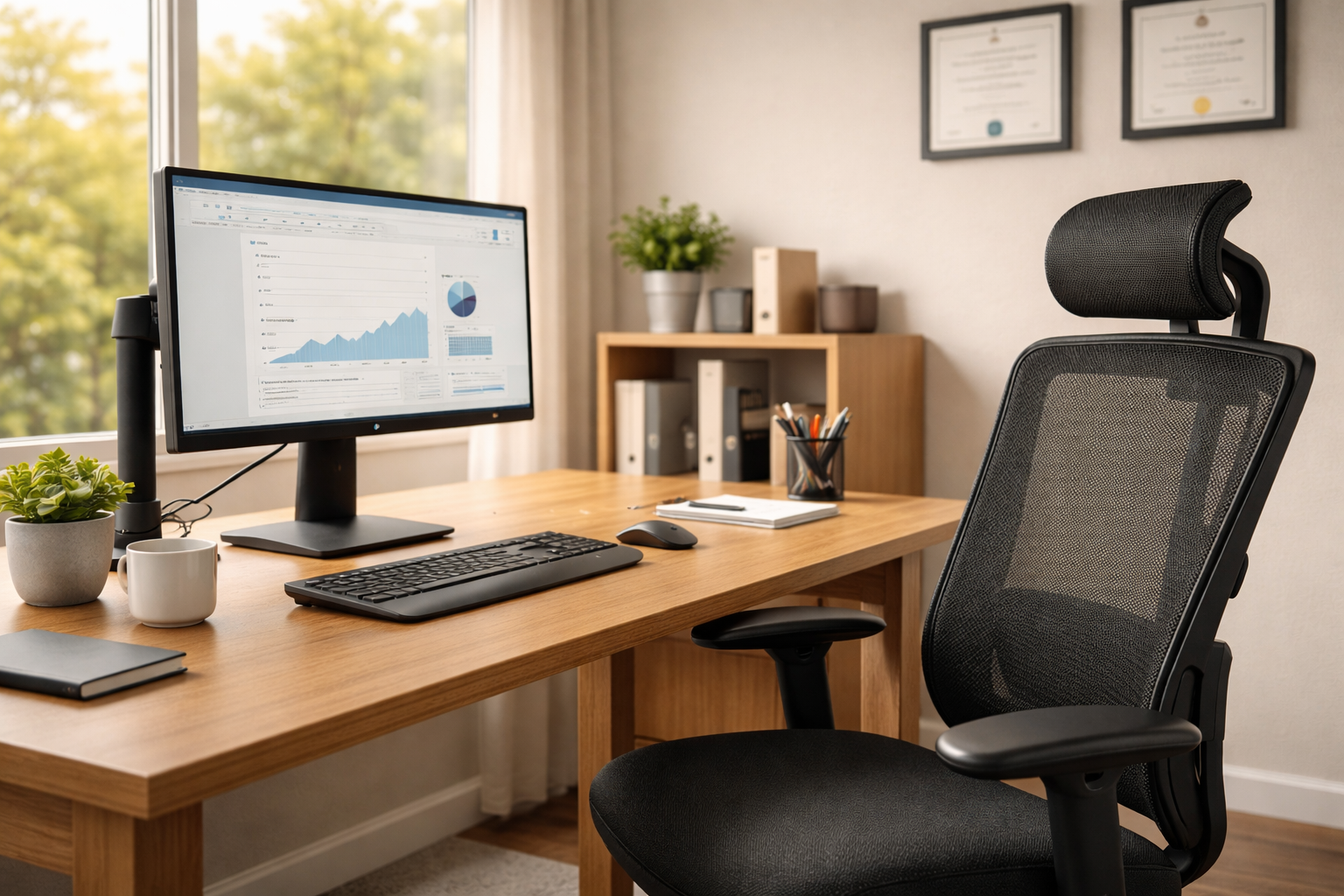 Practical tip (real life): Set a single reminder twice a day, not every 30 minutes. When it goes off, do one 5-minute round. Most desk workers are more consistent with “twice daily” than “every half hour,” and consistency beats intensity.
Which option is best for you today (so you don’t waste time)
Use this simple “pattern match”:
✅ Best match for the 5-minute reset:
-
tension across the upper shoulders
-
stiffness that improves when you move
-
symptoms that feel “posture related”
-
no significant arm symptoms
🔁 Better match for a longer routine (10–15 minutes) later today:
-
your upper back feels locked
-
your chest is tight and shoulders round quickly
-
you feel better after walking
🚫 Skip stretching and get evaluated first:
-
arm pain, numbness, or tingling that is new or worsening
-
weakness (dropping things, grip changes)
-
dizziness, double vision, trouble speaking, trouble swallowing, or drop attacks
Those last symptoms can be red flags for vascular or neurological issues, and they deserve urgent medical guidance, not a stretch session.
When chiropractic care can make the plan easier (Fishers-area desk workers)
If you keep repeating the same cycle (tight neck → stretches help for a day → it returns), a good evaluation should clarify:
-
what movements trigger symptoms
-
whether joint stiffness, muscle guarding, or nerve irritation is the main driver
-
which home plan fits your day-to-day desk posture
If you want help building a plan you can actually stick to, Schedule appointment
Local next steps in Fishers (and nearby)
Vital Connection Chiropractic is in Fishers, and many patients also come from Noblesville, Geist Indianapolis, Castleton, Carmel, and McCordsville.
Helpful nearby pages:
 Your 5-minute reset recap (and when to level up)
 Your 5-minute reset recap (and when to level up)
The goal is simple: reduce load, restore motion, then support your upper back so your neck stops carrying the day. If your symptoms keep returning, or you’re seeing arm symptoms, it’s worth getting a clear diagnosis and plan instead of guessing.
If you want a plan tailored to your desk posture and your symptoms, book an evaluation and bring your questions about tech neck stretches to the visit.
Frequently Asked Questions
What is the fastest way to get rid of a tech neck?
The fastest approach is a short reset plus one desk setup change you keep. A 5-minute routine can calm muscle guarding and restore easy motion, but the “fastest” result usually comes from lowering the trigger that keeps reloading your neck, like a low laptop screen or reaching forward for a mouse. Do one reset, raise your screen, then repeat the reset later in the day. If pain is sharp, worsening, or spreading into the arm, skip self-treatment and get evaluated.
How do you stretch out a tech neck?
Stretch what is short, and strengthen what is sleepy. Most desk workers need to open the chest (pec stretch), restore gentle neck rotation, and re-train the deep neck flexors and shoulder blades (chin tucks and scapular control). Start with small, easy ranges so your nervous system doesn’t feel threatened. If a stretch increases symptoms during or after, reduce intensity or switch to breathing and gentle range-of-motion instead. The goal is relief that lasts, not a one-time “big stretch.”
Can you reverse tech neck hump?
Many people can reduce the visible “hump” by improving upper-back mobility and posture habits. What people call a “tech neck hump” is often a mix of upper-back rounding, muscle adaptation, and sometimes body composition. Consistent changes, like raising your screen, adding micro-breaks, and strengthening the mid-back and deep neck flexors, can make posture look and feel better over time. If the area is painful, rapidly changing, or you have neurological symptoms, get assessed to rule out other causes and to build a safe plan.
What are the 5 D’s for neck pain?
The 5 D’s are dizziness, diplopia (double vision), dysarthria (trouble speaking), dysphagia (trouble swallowing), and drop attacks. These symptoms are commonly taught as red flags in cervical screening because they can relate to vascular or neurological issues, not simple muscle tightness. If any of these show up with neck pain, especially suddenly, it’s a reason to seek urgent medical guidance rather than stretching or manipulating your neck at home.
Which fingers are affected by C5 and C6?
C6 irritation commonly affects the thumb and index finger, while C5 is more shoulder/upper arm focused. Many people with cervical radiculopathy notice pain, tingling, or numbness that follows a predictable pathway. C6 symptoms often travel into the thumb and index finger, sometimes with forearm involvement. C5 symptoms are more likely to show as pain around the shoulder and upper arm rather than distinct finger changes. Because patterns vary, a proper exam matters if symptoms persist or worsen.
What is the best position to sleep in with neck pain?
Back sleeping or side sleeping is usually best, and stomach sleeping is usually the worst. Back sleeping works well when your pillow supports the natural neck curve without forcing your chin toward your chest. Side sleeping is often comfortable if your pillow fills the gap between shoulder and head so your neck stays neutral. Stomach sleeping tends to twist the neck for hours and can aggravate stiffness. If you wake up worse every morning, your pillow height and sleep posture may need adjusting.


